
Pet owner budget and vet cost tracking
Track monthly pet expenses, build a vet emergency fund, and log insurance premiums in one place.
Pet costs are predictable month-to-month — until they are not. A single emergency vet visit can cost as much as several months of routine care. Expense Trail lets you build a vet emergency fund, cap monthly spending by category, schedule your insurance premium, and tag entries by pet name — so you always know where the money goes, even when caring for multiple animals.
Who this is for
Pet owners who want to budget for routine care (food, grooming, supplies, routine vet) and build a financial cushion for unexpected vet bills. If you manage more than one pet, you can use tags to keep their costs separate without creating duplicate wallets.
Vet costs vary widely by species, breed, age, and location. Expense Trail tracks what you actually spend — it does not provide veterinary advice or cost estimates. Use your vet's guidance to set realistic savings targets.
Goals
- Vet emergency fund savings goal — build 3–6 months of estimated vet costs
- Monthly budget on Food, Grooming, Toys, and Routine Vet categories
- Pet insurance premium as a scheduled (recurring) entry
- Tags per pet name for multi-pet households
- Vet receipt photo attached to each visit entry
Checklist
- Create a savings goal for the vet emergency fund (target: 3–6 months of estimated vet costs)
- Set monthly budget caps for Food, Grooming, Toys, and Routine Vet
- Add pet insurance premium as a scheduled entry (monthly or annual)
- Log emergency or routine vet visits against the Vet category
- Add a tag for each pet's name when tracking multiple pets
- Attach receipt photo to vet visit entries for reimbursement reference
Example setup
| Setup item | In Expense Trail | Purpose |
|---|---|---|
| Vet Emergency Fund | Savings goal | Target 3–6 months of expected vet costs |
| Food | Monthly budget category | Kibble, wet food, treats |
| Grooming | Monthly budget category | Groomer visits, at-home supplies |
| Toys & Supplies | Monthly budget category | Toys, bedding, accessories |
| Routine Vet | Monthly budget category | Check-ups, vaccines, flea treatment |
| Pet insurance premium | Scheduled entry (recurring) | Auto-logs each billing cycle |
buddy / luna | Tags | Filter entries by individual pet |
Workflow
- Set a savings goal for the emergency fund
- Add a scheduled entry for insurance premium
- Set monthly budget caps and alerts
- Configure budget alerts
A typical month
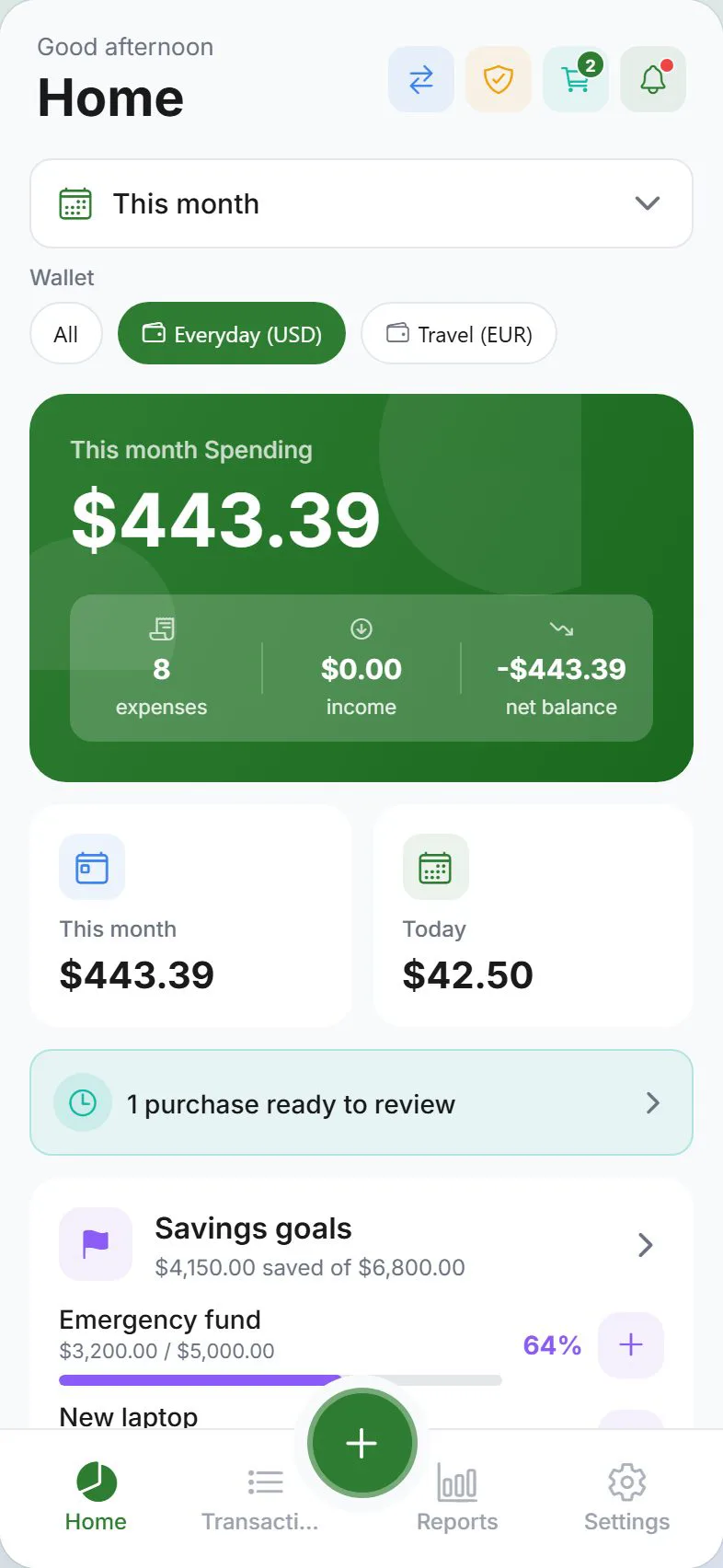
At the start of the month, confirm your scheduled insurance entry has posted. Log food and supply purchases as they happen — daily logging keeps category totals accurate. After a groomer visit or routine vet appointment, attach the receipt photo to the entry before you forget. Mid-month, open Dashboard to check budget bars for Food and Grooming. At month-end, review Reports to see whether any category is trending up and adjust caps for next month.
When to revisit
- After adopting a new pet — add a tag and review budget caps
- After a vet changes your pet's care plan (new medication, specialist visits)
- When your insurance premium renews at a new rate — update the scheduled entry amount
- After an emergency visit — review your savings goal progress and top up contributions
Honest limits
Expense Trail does not link to pet insurance portals, predict vet costs, or file reimbursement claims. Attachments are photos or files you add manually — there is no automatic receipt scanning. For insurance reimbursements you receive back, log them as income against the Vet category to keep your net cost accurate.
Frequently asked questions
Can I track multiple pets?
Yes. Add a tag for each pet's name (for example buddy or luna) when logging an entry. Filter by tag in Reports to see totals per pet. You do not need separate wallets unless you want completely separate ledgers.
How do I log insurance reimbursements?
Log the reimbursement as an income entry in the Vet category (or a dedicated Reimbursements category). This keeps your net out-of-pocket cost visible in Reports rather than inflating expenses.
Can I set a vet emergency fund?
Yes. Create a savings goal under Goals, set a target amount (3–6 months of estimated vet costs is a common guideline), and contribute to it manually each month. Expense Trail tracks your progress toward the target.
What if my pet insurance is billed annually?
Add the premium as a scheduled entry with an annual frequency. Expense Trail will log it once a year automatically so it appears in your annual expense summary without any manual action.
Does Expense Trail show me whether I am over budget?
Yes — budget alerts notify you when a category approaches or exceeds its monthly cap. Set alerts under Budget alerts so you are warned before overspending, not after.