
New homeowner budget setup
Mortgage, HOA, home maintenance fund, and utility categories for first-time owners.
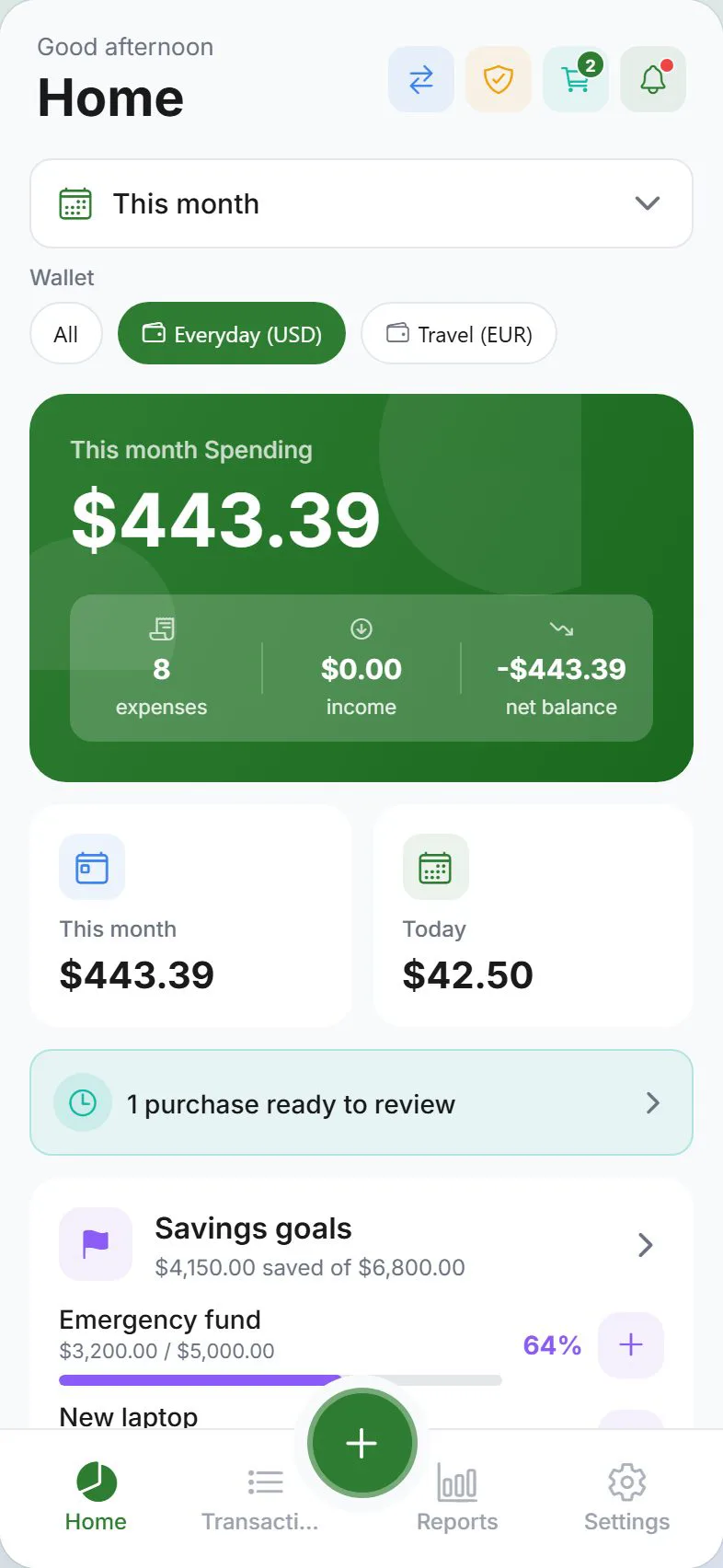
Buying a home replaces a single rent line with mortgage, HOA, insurance, property tax, utilities, and maintenance—all at once. Expense Trail's scheduled entries and savings goals let you see every fixed obligation and build a repair buffer before something breaks. This page is a narrative + checklist for new homeowners—follow the workflow links for step-by-step how-tos.
Who this is for
First-time or recent homeowners who want a clear picture of housing costs beyond the mortgage payment. If you need automated escrow tracking or tax-deduction filing, pair a CPA or dedicated tax tool with Expense Trail's manual export.
Goals
- Mortgage as the largest scheduled entry — logged monthly, never missed
- HOA fee as a recurring scheduled entry — monthly or quarterly
- Home maintenance sinking fund as a savings goal — funded monthly
- Utility and insurance categories — tracked separately from personal spending
- Property tax provision — annual amount split into monthly budget lines
Checklist
- Create a "Home" wallet (or use your main wallet) for housing costs
- Add mortgage as a monthly scheduled entry
- Add HOA as a scheduled entry (monthly or quarterly)
- Create a "Home Maintenance Fund" savings goal
- Add utility categories: Electricity, Water, Gas, Internet
- Add Homeowners Insurance as a monthly scheduled entry
- Add Property Tax as an annual scheduled entry with a monthly provision budget
- Log first-month moving costs in a temporary "Moving" category
Example setup
| Setup item | In Expense Trail | Purpose |
|---|---|---|
| Mortgage payment | Scheduled entry — monthly | Largest fixed housing cost |
| HOA fee | Scheduled entry — monthly / quarterly | Mandatory community charge |
| Home Maintenance Fund | Savings goal (1–3 % of home value / year) | Roof, HVAC, plumbing buffer |
| Electricity / Water / Gas / Internet | Expense categories | Variable utility tracking |
| Homeowners Insurance | Scheduled entry — monthly or annual | Coverage cost visibility |
| Property Tax | Scheduled entry — annual + monthly provision | Avoid lump-sum surprise |
| Moving costs (first month) | Temporary "Moving" category | One-time transition spend |
Workflow
Expense Trail is a manual budgeting tool—it is not mortgage or tax advice. Consult a financial advisor or CPA for escrow accounts, PMI cancellation thresholds, and mortgage interest deductions.
The home maintenance sinking fund
A common rule of thumb is to reserve 1–3 % of your home's purchase price per year for repairs and replacements. On a $300,000 home that is $3,000–$9,000 annually, or $250–$750 per month. Create a savings goal in Expense Trail named "Home Maintenance Fund," set the monthly contribution, and log every repair draw against it so you can see the balance rebuild.
Property tax without surprises
Property tax is often paid annually or semi-annually but the cost is a year-round obligation. Log it as an annual scheduled entry for awareness, then set a monthly budget line (annual amount ÷ 12) so the Dashboard budget bar shows how much to set aside each month—whether or not you use an escrow account.
First 30 minutes
- Install on iOS, Android, or web—guest mode works without an account.
- Create the scheduled entries and categories from the Example setup table.
- Add your mortgage payment first—it is your largest fixed cost and anchors the budget.
- Create the Home Maintenance Fund savings goal and set a monthly contribution.
- Log one utility bill so Dashboard and Reports show real data from day one.
When to revisit
- When your mortgage payment changes (ARM adjustment, escrow recalculation)
- After a large repair draw from the maintenance fund—reset the goal target
- At annual property tax billing time—compare provision vs. actual
- When a utility contract or insurance policy renews at a new rate
Honest limits
Expense Trail does not connect to your mortgage servicer, track escrow balances automatically, or file taxes. It records what you log. For PMI, escrow analysis, or deduction advice, use your lender's portal or a licensed advisor.
Frequently asked questions
How do I track my mortgage payment?
Add it as a monthly scheduled entry under a "Housing" or "Mortgage" category. Log the full payment amount—Expense Trail does not split principal vs. interest, so keep that detail in your lender's portal or a spreadsheet if needed.
Can I budget for unexpected repairs?
Yes. Create a "Home Maintenance Fund" savings goal and contribute to it monthly. When an unexpected repair happens, log the expense against the goal so you can see how much buffer remains and how long it takes to rebuild.
Is there a home maintenance category built in?
Expense Trail lets you create custom categories, so you can add "Home Maintenance," "Repairs," or any label that fits. There is no preset home category—you name it to match your own workflow.
How should I handle property tax if my lender escrows it?
If your lender escrows property tax you never write a separate check, but the cost is real. Log a monthly provision as a budget-only line so the Dashboard shows the true cost of homeownership. Skip the scheduled entry if you prefer not to double-count cash flows.
Can I track HOA fees that change quarterly?
Yes. Add a scheduled entry for each billing cycle. If the amount changes, edit the entry before it posts. You can also log it manually each time if the amount varies.
Learn more
Tracking newborn and baby expenses
Baby essentials wallet for first-year costs, childcare scheduled entries, and parental leave income gap planning.
Newlyweds combining finances
Three-wallet system for couples merging money: shared household wallet, two personal wallets, and real-time partner visibility.