
Newlyweds combining finances
Three-wallet system for couples merging money: shared household wallet, two personal wallets, and real-time partner visibility.
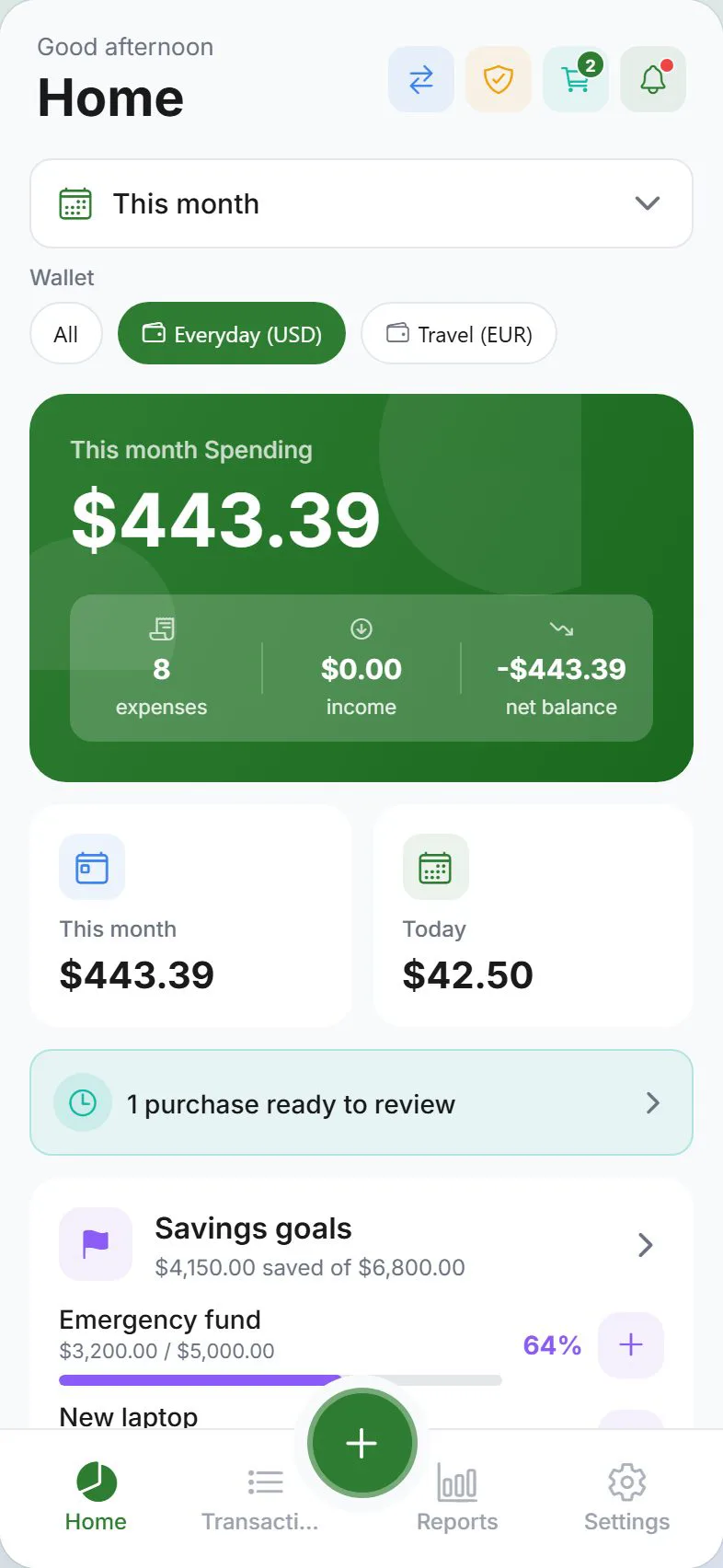
Merging finances after marriage is exciting and stressful. You need shared visibility on rent, groceries, and bills—without surrendering every personal purchase to scrutiny. Expense Trail's three-wallet system gives you a joint household wallet for shared costs, two personal wallets for no-questions-asked spend, and budget targets you set together. This page is a narrative + checklist for newlyweds combining finances—follow the workflow links for step-by-step how-tos.
Who this is for
Couples who have recently married and are actively merging financial lives: joint rent or mortgage, shared groceries and utilities, combined savings goals, and at least some individual spending each partner wants to keep private. If you need joint bank accounts or automated bill pay, set those up with your bank—Expense Trail handles the tracking and budgeting layer on top.
Combining finances is deeply personal. Expense Trail supports both full transparency (household sharing) and private wallets—you choose what each partner can see. Neither approach is more correct.
Goals
- Three-wallet system in place (household + two personal wallets)
- Both incomes logged under joint income categories
- Shared budget targets set for rent, groceries, utilities, and savings
- Subscriptions audited and duplicates removed
- Emergency fund created as first shared savings goal
- Wedding debt or honeymoon costs tracked until paid off
Checklist
- Create a shared Household wallet and invite your partner
- Create a Personal wallet for each partner (private by default)
- Add both salaries as income categories (e.g. "Partner A Salary", "Partner B Salary")
- Set shared budget targets: rent/mortgage, groceries, utilities, savings
- Audit subscriptions—cancel duplicates (streaming, music, cloud storage)
- Create an Emergency Fund savings goal as your first shared target
- Log any remaining wedding or honeymoon debt to track payoff progress
- Agree on a personal allowance amount per partner per month
Example setup
| Wallet | Visibility | Used for |
|---|---|---|
| Household | Both partners | Rent, groceries, utilities, shared subscriptions |
| Partner A Personal | Partner A only | Individual clothing, hobbies, gifts for partner |
| Partner B Personal | Partner B only | Individual clothing, hobbies, gifts for partner |
| Emergency Fund (goal) | Both partners | 3–6 months shared expenses, first savings priority |
Workflow
- Set up couple shared expenses
- Manage household wallets and partner visibility
- Understand privacy tiers
Why three wallets
Couples searching newlywed combining finances budget often try one shared account for everything—and stall on small personal purchases turning into awkward conversations. Three wallets sidestep this: the household wallet tracks every shared cost in real time, and personal wallets give each partner a guilt-free allowance with no visibility to the other. Budget bars on the household wallet keep rent and groceries honest without policing coffee runs.
Merging subscriptions
Before setting monthly budgets, audit every recurring subscription both partners hold. Log each into the household wallet under a "Subscriptions" category. Identify duplicates—streaming services, cloud storage, music—and cancel the redundant one. A single audit session typically frees $20–60 per month that flows directly into savings goals.
Emergency fund first
Financial advisors consistently rank an emergency fund as the highest-priority first shared goal. In Expense Trail, create it as a savings goal on the household wallet with a target of three to six months of combined essential expenses. Log a fixed monthly transfer toward it before setting other savings targets.
Expense Trail does not link to bank accounts or automate transfers. You record contributions manually—treat it as a deliberate monthly habit, not a set-and-forget system.
When to revisit
- After a major income change (promotion, job loss, career switch)
- When household expenses shift (new home, baby, pet)
- If one partner's personal allowance consistently runs out mid-month
- Annually to re-align budget targets with actual spending from Reports
Honest limits
Expense Trail does not link bank accounts, file joint taxes, or give investment advice. It is a manual tracking and budgeting tool. For tax filing, use dedicated tax software. For investment planning, consult a financial adviser.
Frequently asked questions
Do we have to merge all accounts?
No. The three-wallet system works whether you keep separate bank accounts, open a joint account, or both. Expense Trail tracks what you log—it is not connected to your actual bank accounts. Merge as much or as little as feels right.
Can my partner see my personal spending?
Not unless you share your personal wallet with them. Personal wallets are private by default. Only the household wallet is visible to both partners. See Privacy tiers explained for full detail.
How do we set a joint budget?
Open the household wallet, tap Budget, and set monthly targets per category (e.g. Groceries $600, Utilities $200). Both partners see the same budget bars update in real time as either of you logs expenses.
What if our incomes are unequal?
Log both salaries as separate income categories in the household wallet. You can set personal allowances proportionally or equally—Expense Trail does not enforce a rule. Decide together and set personal wallet budgets to match.
Can we track wedding debt payoff?
Yes. Create a debt payoff goal or log a "Wedding Debt" category in your household wallet and record monthly payments against it. Expense Trail shows progress toward zero, but does not negotiate with lenders or calculate interest automatically.