
First-generation immigrant managing dual-country finances
Remittance wallet, dual currency logging, and family obligation budgets for first-gen immigrants.
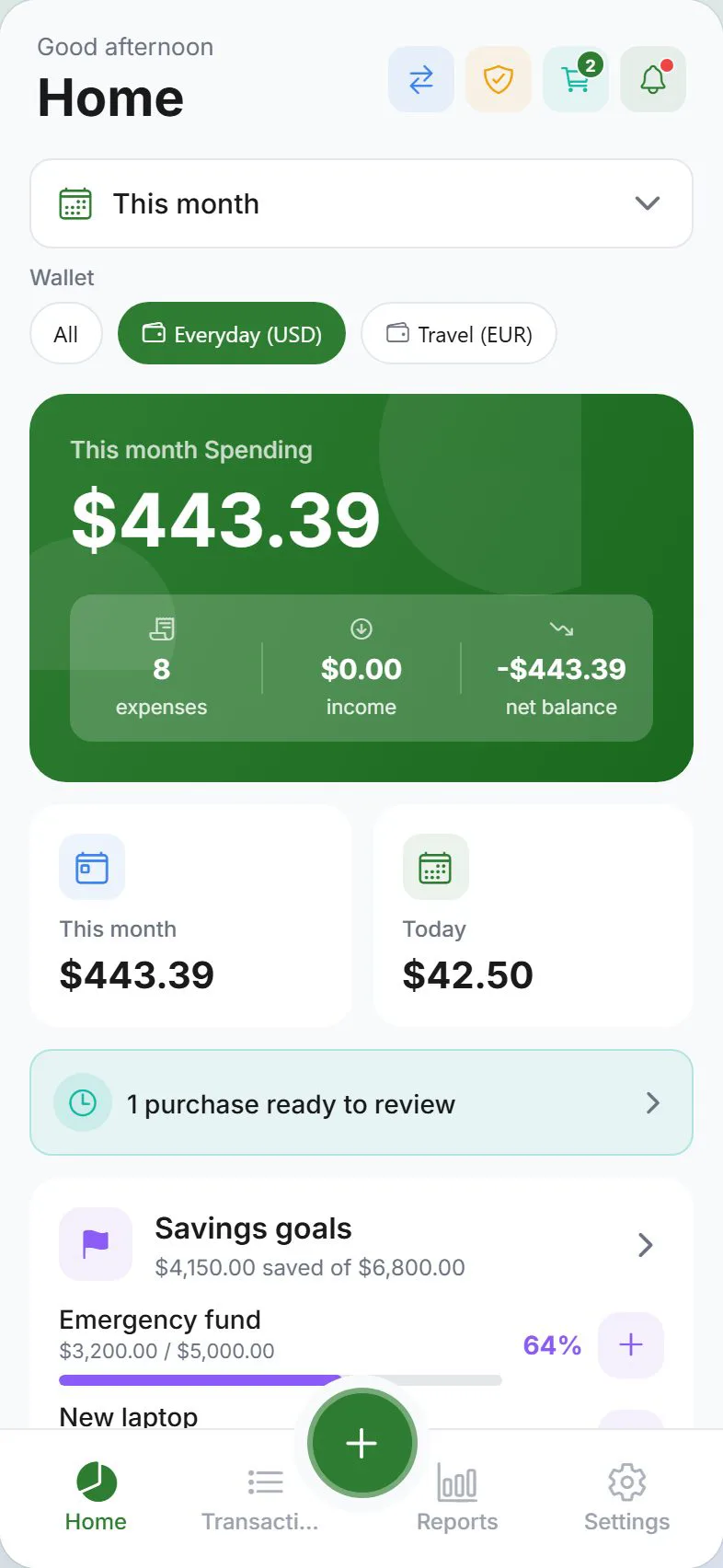
First-generation immigrants often carry two financial lives at once — building savings in their new country while sending money home to family. Expense Trail helps you track both sides in one private ledger: a dedicated remittance wallet, manual currency conversion with notes, and a family obligation budget category that covers both regular transfers and unexpected needs.
Who this is for
This guide is for first-generation immigrants who regularly send money abroad, manage expenses in two currencies, and balance personal savings goals with ongoing family obligations. If you need automated international transfers or live exchange rate feeds, pair Expense Trail with a remittance service — the app is your record-keeper, not the money mover.
Goals
- Remittance wallet dedicated to money sent to family abroad
- Manual currency conversion — log in local currency with a note for the original amount
- Family obligation category for regular and irregular transfers
- Build US (or host-country) savings alongside international obligations
- Keep financial data private with E2EE or guest mode
Checklist
- Create a dedicated "Remittance" wallet
- Add a "Family Obligation" budget category
- Log first transfer with currency note in the description
- Set a monthly budget cap for family transfers
- Create a local savings wallet for host-country goals
- Choose your privacy tier (guest mode or E2EE account)
Example setup
| Setup item | In Expense Trail | Purpose |
|---|---|---|
| US checking | Primary wallet | Everyday host-country spending |
| Remittance fund | Remittance wallet | Money set aside to send home |
| Emergency (local) | Savings wallet | Host-country emergency fund |
| Family Obligation | Budget category | Monthly + irregular transfers abroad |
| Home country spend | Notes / description | Log original currency amount manually |
Workflow
Expense Trail does not send money internationally. Use your bank or a remittance service (Wise, Remitly, Western Union) to make the actual transfer, then log the amount you sent — in your host currency or home currency — as an expense in the Remittance wallet.
- Move funds into your Remittance wallet — when you set money aside for a transfer, log a wallet-to-wallet move from your primary wallet.
- Make the transfer — use Wise, Remitly, your bank, or another service outside the app.
- Log the expense — add an expense in the Remittance wallet under the "Family Obligation" category. In the description, note the original home-currency amount and exchange rate (for example:
₱ 15,000 @ 0.017). - Review monthly — check the Family Obligation budget bar on the Dashboard to see how transfers compare to your cap.
Dual currency tracking without a live rate feed
Expense Trail does not fetch live exchange rates — you log figures manually. This is intentional: you control the record, and the app works the same whether you are in the US, the UK, or anywhere else. A simple note in the description field (sent ₱15,000, logged as $260 USD) gives you a searchable audit trail without any third-party data dependency.
Log all amounts in your host country's currency to keep wallet totals consistent. Capture the home-currency figure in the transaction description or note so you can look it up later.
Building local savings alongside family obligations
Many first-generation immigrants feel tension between sending money home and saving locally. Use two separate wallets — Remittance and Savings — so both appear on your Dashboard and you can see them grow (or shrink) independently. Set a monthly budget for the Family Obligation category that reflects a realistic commitment, and treat it like any fixed expense.
Privacy considerations
If financial data sensitivity is a concern — shared devices, family members with access, or general privacy preference — use guest mode (no account required) or enable end-to-end encryption in your account settings. See Privacy tiers explained for what each option protects.
Frequently asked questions
Can I log expenses in two currencies?
Yes, with manual entry. Log the amount in your host currency so wallet totals stay consistent, and record the home-currency amount in the transaction description or note. Expense Trail does not convert currencies automatically or pull live rates.
How do I track money sent home?
Create a dedicated "Remittance" wallet. When you make a transfer using your bank or remittance service, log it as an expense from that wallet under a "Family Obligation" category. Add the home-currency amount and exchange rate in the description for your own reference.
Does the app work in my country?
Expense Trail works on iOS, Android, and web — there is no region restriction. All amounts are entered manually, so the app is currency-agnostic. The interface language depends on your device locale.
Can I set a budget for how much I send home each month?
Yes. Add a "Family Obligation" category and assign it a monthly budget cap. The Dashboard will show how much of that budget you have used, including irregular transfers that push you over.
Is my data private?
Core tracking works in guest mode — no account, no cloud sync. If you create an account, end-to-end encryption is available so transaction data is not readable on the server. See Privacy tiers explained.
What if my remittance amount varies month to month?
Log each transfer individually with a note explaining the amount and reason. Over time, Reports will show your average monthly outflow so you can plan around realistic ranges rather than guessing.