
Guide section
Money management
Savings goals
Save toward targets with contributions, withdrawals, and progress tracking.
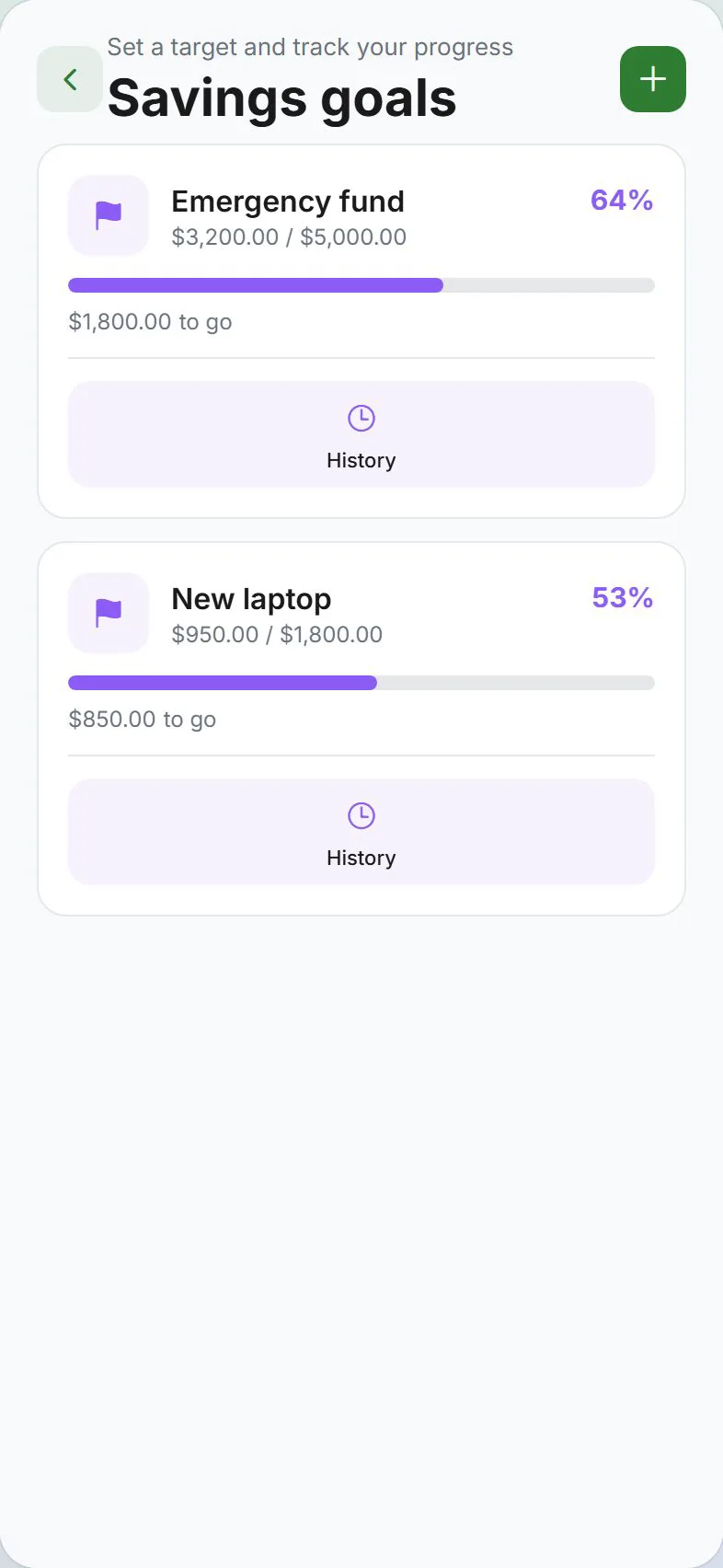
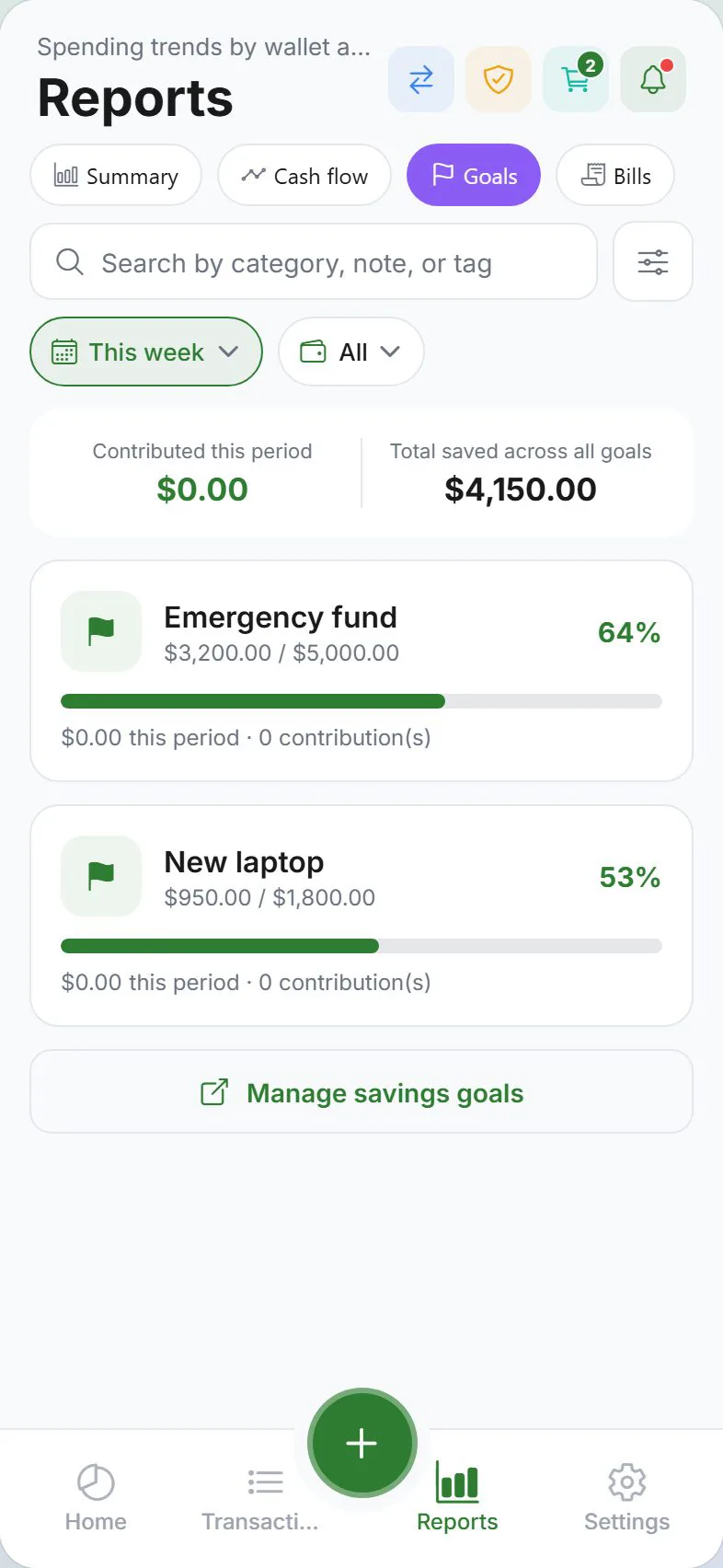
Savings goals help you track money set aside for something specific — an emergency fund, vacation, or new laptop. Progress shows on the Dashboard, a dedicated Goals screen, and in Reports.
Requirements
Full savings goal features need cloud sync:
- Sign in
- Turn on Cloud sync under Settings → Account
Without sync, goal options may be limited or hidden.
Open goals
| From | How |
|---|---|
| Settings → Money | Tap Goals |
| Dashboard | Tap the savings goals summary card |
| Dedicated screen | Some layouts link to the full Goals screen with all your targets |
Create a goal
- Open Goals from Settings or the Dashboard
- Tap Add goal (or similar)
- Enter a name — “Emergency fund”, “New car”, etc.
- Set a target amount — how much you want to save in total
- Optional: link a wallet if the goal uses a specific currency or account
- Save
Add money (contribution)
| Method | Steps |
|---|---|
| From + button | + → type Savings → pick goal → enter amount → Save |
| From Goals screen | Open the goal → Add contribution |
Contributions increase progress and appear in Transactions → Goals.
Withdraw from a goal
If you spend saved money:
- Open the goal
- Choose Withdraw
- Enter amount — this creates an expense-style entry and lowers goal progress
Recurring contributions
You can schedule automatic contributions:
- Settings → Money → Scheduled entries
- Create a schedule with type Goal contribution
- Pick frequency (weekly, monthly, etc.)
See Scheduled entries.
Progress and history
Each goal shows:
- Percent complete toward the target
- Amount saved and amount remaining
- Contribution history — past adds and withdrawals
The Dashboard summarizes all active goals.
Shared goals in a household
In a household, goals may support Shared visibility so partners see progress. Set visibility when creating or editing the goal if the option appears.
Reports
Open Reports → Goals for period-based contribution totals and per-goal stats. See Goals report.
Delete a goal
- Open the goal settings
- Delete or archive — confirm when prompted
Past contribution transactions may remain in history unless you remove them separately.
Tips
| Goal | Suggestion |
|---|---|
| First goal | Start with one small target — $500 emergency fund |
| Separate wallet | Link a dedicated savings wallet for clarity |
| Milestones | Enable Goal milestones under Settings → Alerts for 50%, 75%, and 100% notifications |
Related guides
- Scheduled entries
- Account & sync
- Alerts
- Goals vs budgets — concept explainer
Was this guide helpful?