
Privacy & security
Guide section
Privacy & security
Stealth mode
Hide dollar amounts on screen until you press and hold to peek.
Stealth mode masks amounts on the Dashboard, Transactions, and Reports so someone glancing at your screen cannot read your balances. You can still see real numbers when you need them.
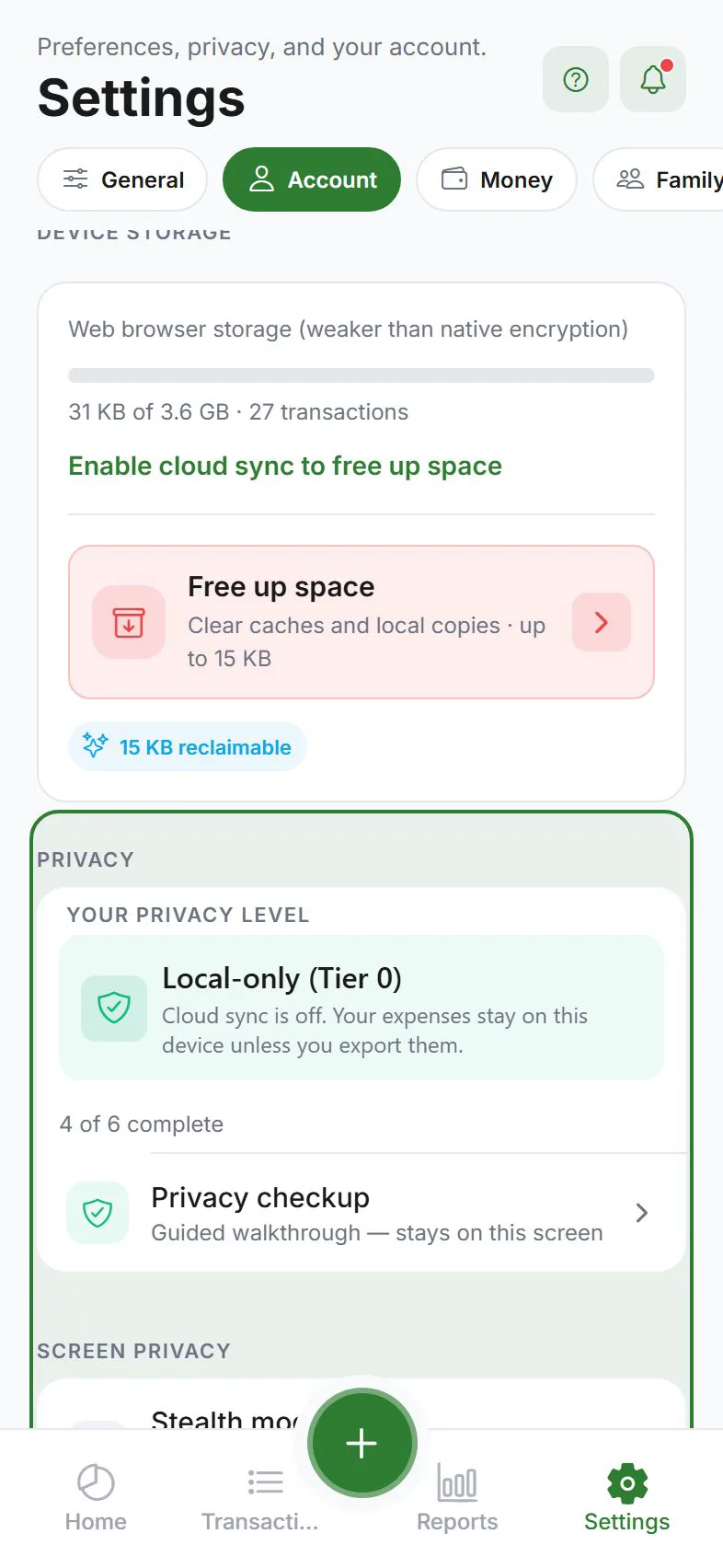
Turn stealth mode on or off
Settings → Account → Privacy → Stealth mode
Toggle on to hide amounts; toggle off for normal display.
How it looks
- Amounts show as dots or masked text (••••)
- Press and hold on a masked amount to peek at the real value briefly
- Charts in Reports may mask totals the same way
When to use it
| Situation | Why stealth helps |
|---|---|
| Commute or café | Shoulder surfers |
| Screen sharing | Accidental exposure in meetings |
| Family shared tablet | Quick privacy without logging out |
What stealth does not change
| Item | Still shows real data? |
|---|---|
| Push notifications | Configure separately — Alerts → generic lock-screen content |
| Exported files | Yes — JSON/CSV/encrypted backups contain real numbers. Protect exported files. |
| App lock | Separate feature — App lock |
Combine with other privacy tools
- App lock — gate entry to the app
- Stealth mode — hide amounts inside
- Push privacy — generic notification text
- Encryption — protect cloud copies
Related guides
Was this guide helpful?