
Guide section
Privacy & security
E2EE unlock & key escrow
Why amounts look locked, how the recovery phrase unlocks this device, and what key escrow stores on the server.
After you turn on end-to-end encryption, the cloud holds ciphertext only. Your phone must hold the master key to show real amounts. Key escrow is an encrypted copy of that master key on your account—wrapped with your 12-word recovery phrase—so a new phone can unlock without retyping every entry by hand.
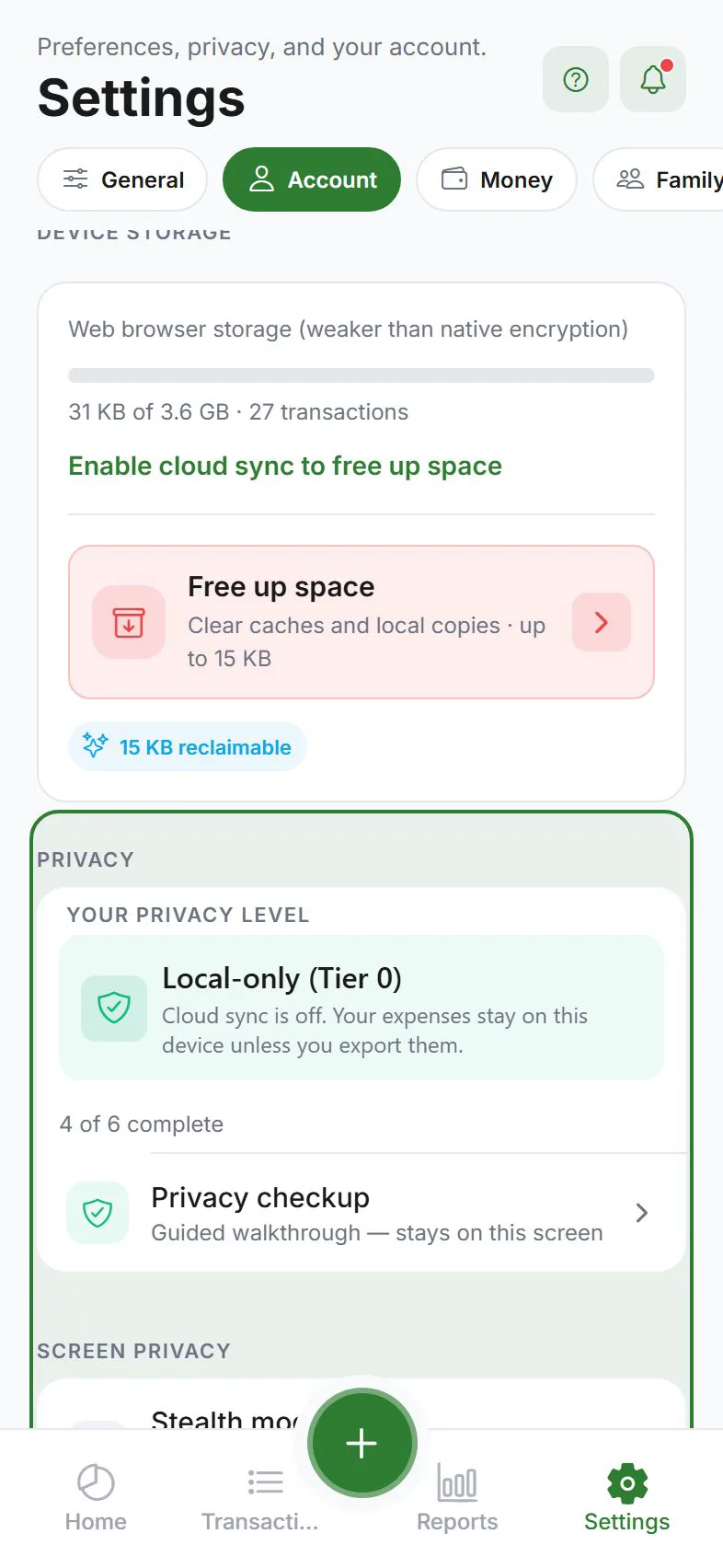
Four states you may see
| State | What it means | What you should do |
|---|---|---|
| Not applicable | E2EE is off, or you are in guest / local-only mode | Nothing—data is readable on device as usual |
| Unlocked | This device has the master key and can decrypt cloud rows | Use the app normally |
| Locked | E2EE is on and escrow exists, but this device does not have the key yet | Enter your recovery phrase (banner or Settings → Account → Privacy) |
| No escrow | E2EE is on but no phrase-wrapped backup was uploaded to your account | Open Settings → Account → Privacy and complete Recovery phrase setup |
The app checks unlock status when you sign in, enable E2EE, or return from background. You do not need to unlock again every time you open the app—only until the device has a working master key.
Unlock banner
When status is Locked or No escrow, a banner appears at the top of the app:
- Locked — tap Unlock to open the recovery phrase sheet.
- No escrow — tap to jump to Privacy settings and save your phrase (which uploads escrow).
The banner is an alert: lists and cards may show locked placeholders until you unlock.
Key escrow (what the server stores)
When you save your recovery phrase, the app:
- Creates or loads a master key on the device (stored in the secure keychain).
- Derives a key from your 12 words (PBKDF2).
- Wraps the master key with AES-GCM and uploads the result as key escrow on your account.
The server stores only the wrapped blob—it cannot derive your phrase or read your amounts. Escrow exists so another device signed into the same account can unwrap the master key after you enter the same phrase.
No escrow means a new install can download ciphertext but cannot decrypt it until you complete phrase setup on a device that still has access—or you still know the phrase from when you enabled E2EE.
Unlock with your recovery phrase
- Sign in and turn Cloud sync on.
- When prompted—or from Settings → Account → Privacy → Unlock encrypted data—enter all 12 words in order.
- The app downloads escrow, unwraps the master key, verifies it against a sample encrypted row, then refreshes lists and reports.
If the phrase is wrong, unlock fails with no change to server data. Try again carefully (check spelling and word order).
App lock vs E2EE unlock
| App lock (PIN / biometrics) | E2EE unlock (recovery phrase) | |
|---|---|---|
| Protects | Opening the app UI | Reading encrypted cloud fields |
| When | Every launch or after timeout | New device, reinstall, or missing local key |
| Forgot? | Reset PIN via account email flow (if configured) | No reset—phrase is the only backup for E2EE |
You can use both: PIN for shoulder-surfing, phrase for cryptography.
Locked rows in the UI
While Locked, encrypted entries may show:
- Masked amounts or “encrypted” placeholders on cards
- Categories/tags you created before lock may still show; synced E2EE rows stay opaque
- Reports and some summaries that need decrypted totals may be empty or limited
After Unlocked, pull to refresh or wait for sync—the same ciphertext decrypts on device.
Offline and cloud sync off
If you use E2EE but temporarily have cloud sync off or no network, the app treats decrypt as allowed on device when the master key is already present locally. You are not asked for the phrase on every offline session—only when the key is missing.
New phone workflow
- Install Expense Trail and sign in (same account).
- Enable Cloud sync.
- If E2EE is on, expect Locked until you enter the recovery phrase.
- Wait for sync; open Transactions and confirm amounts appear.
If you see No escrow, you enabled E2EE before escrow upload existed or phrase setup was skipped—complete recovery phrase under Settings → Account → Privacy from any device that can still decrypt, or use a backup export if you have one.
Different account on the same device
Signing in as another user clears local master key and household crypto material. The new account needs its own E2EE setup and phrase. See Encryption.
Related guides
Was this guide helpful?