
How to use Expense Trail without an account
Guest mode on device.
Guest mode on device. In short: Expense Trail helps you expense tracker without account with manual logging on iOS, Android, and web—no bank linking, no ads on core features. Follow the steps below, then use the product docs for screen-by-screen detail.
Before you start
Decide your privacy tier: guest (local only), standard sync, or optional E2EE. Some steps require sign-in; guest mode keeps data on device only.
Steps
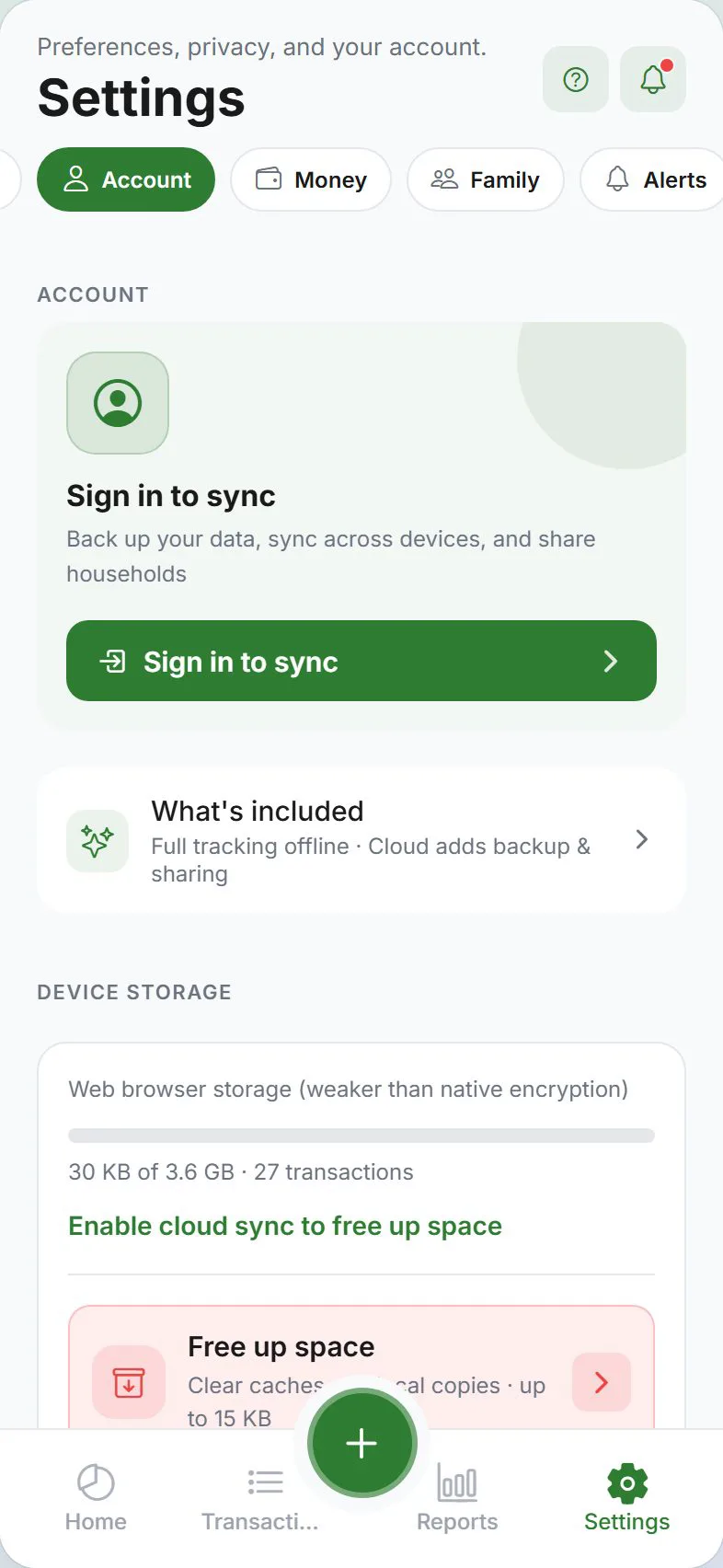
Open Settings → Account (sign-in) or stay in guest mode.
You should see: You see current privacy tier on screen.
Enable the feature (E2EE, stealth, app lock, or LAN) in Settings → Privacy.
You should see: Toggle or wizard confirms the choice.
Complete any one-time setup (recovery phrase, PIN, or Wi‑Fi pairing).
You should see: Confirmation message explains limitations.
Test on a second device or screen if sync-related.
You should see: Data matches without exposing plaintext on server (E2EE).
Document your recovery phrase or backup path offline.
You should see: You can restore if the phone is lost.
Common mistakes
- Losing the E2EE recovery phrase — We cannot reset it; store offline before enabling encryption.
- Expecting stealth to hide data from sync — Stealth masks on-screen amounts; sync tier still applies.
- Clipboard suggest left on by accident — It is opt-in and on-device only; disable in preferences if unwanted.
Why this approach works
Money apps handle sensitive data. Expense Trail lets you start local-only, add standard sync if you want multi-device convenience, or enable E2EE when you need ciphertext on the server. Stealth, app lock, and LAN sync are optional layers on top. Guest mode on device.
Quick answer (expense tracker without account)
Guest mode on device. Use Expense Trail on iOS, Android, or web; core features are free without ads. You log each line manually—there is no bank feed to reconcile later.
Featured-snippet style: Guest mode on device. Expense Trail uses manual entry—add wallets and categories, follow the steps above, and review Reports weekly. No bank linking; guest mode works without an account.
Tips that stick
- Set default wallet and default category under Settings so repeat logging takes seconds.
- Log the expense the same day—memory fades and group splits get disputed.
- Once per week, open Reports and scan for empty days or categories over 80% of budget.
- Link related tasks in Learn hub instead of duplicating long product docs here.
Troubleshooting
- Totals look wrong — Search Transactions for duplicates, wrong dates, or expenses logged instead of transfers.
- Feature missing on web vs mobile — Some platform tools (widgets, geofence) are mobile-only; see platform guides.
- Still stuck — Open the product doc linked below for screen-by-screen paths; concept pages explain why wallets, categories, and budgets differ.
Related concepts
Guest mode and when to sign in later
Expense tracker without account is guest mode: data stays on device in an encrypted local database until you choose Google or Apple sign-in. You still get budgets, splits (local buddies), export, and reports—no ads. Sign in when you want cloud sync, household, or push alerts; read privacy tiers before upgrading.
Privacy without giving up sync
Queries about "expense tracker without account" usually mean "I want convenience but not a readable server copy." Guest mode stays on-device; standard sync enables household and push; E2EE encrypts amounts on the server with a recovery phrase you hold. None of these tiers show ads or sell transaction patterns—see privacy tiers before enabling cloud features.
Frequently asked questions
Use Expense Trail without an account—do I need an account?
Guest mode works for local-only tracking. Sign in with Google or Apple if you need cloud sync, household, or push alerts. See use without an account.
Does Expense Trail link to my bank?
No. Expense Trail is manual entry only. You log amounts you choose; we do not pull bank transactions.
What if something looks wrong after I finish?
Check Transactions for duplicate or backdated lines. For wallet totals, use balance adjustments rather than fake expenses.
How long does setup take?
Most users finish in 10–20 minutes if wallets and categories already exist. Add buddies or household invites when everyone has the app installed.
Can I do this on web and mobile?
Yes—Expense Trail syncs when signed in (or use guest/LAN for offline-first workflows). Widgets and geofence are mobile-only.
Is Expense Trail free for this?
Core tracking, budgets, splits, and export are free without ads. See Is Expense Trail really free?.
Is this financial advice?
No—this guide explains product setup only. For tax, legal, or investment decisions, consult a qualified professional.