
Settings
Guide section
Settings
Data settings
Export, import, cloud backup targets, and reset app from the Data tab.
The Data tab is for moving data in and out of Expense Trail—exports, imports, optional cloud backup, and destructive reset.
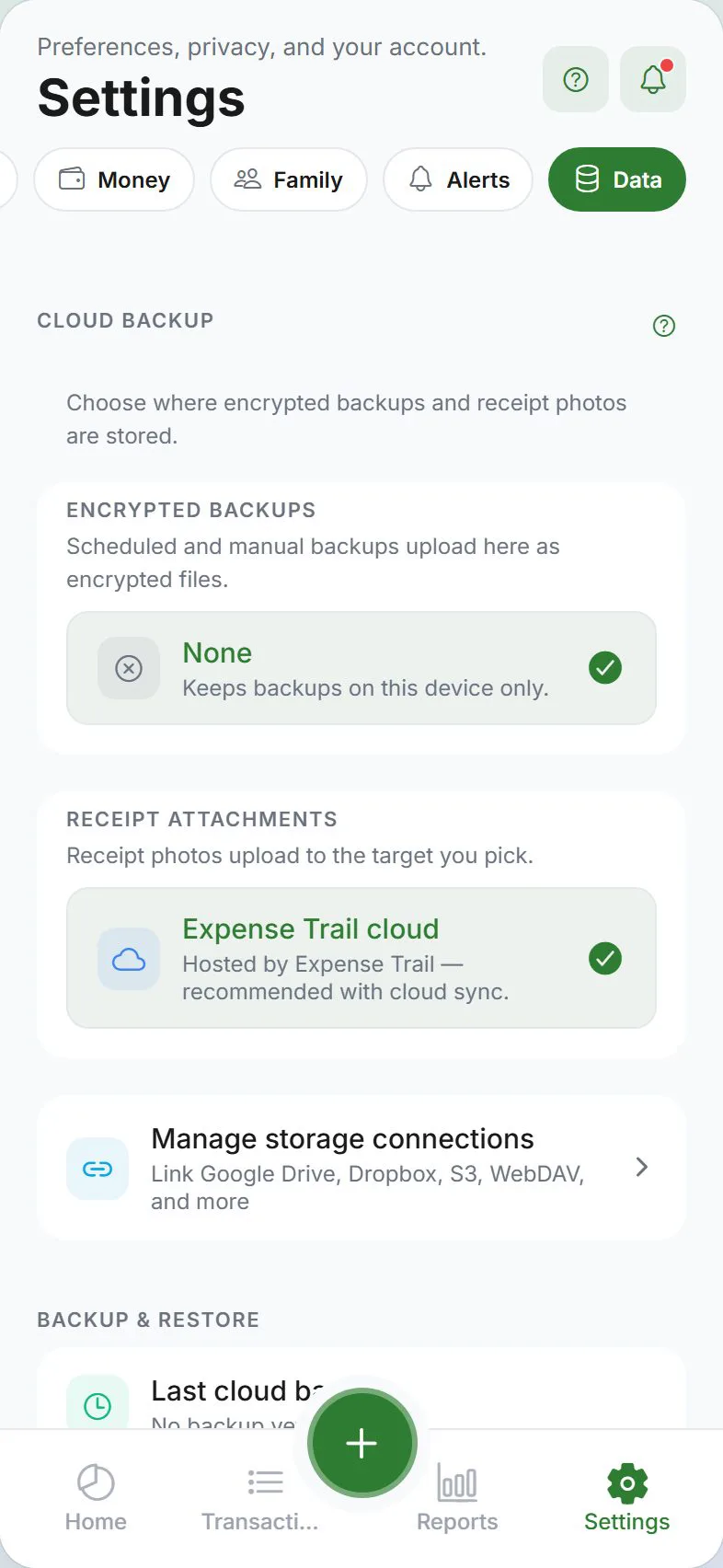
Storage targets
Shows where attachments and automated backups will go. Connections are created under Settings → Account; here you pick active targets.
Export
- JSON, CSV, or encrypted full backup
- Share sheet on mobile; download on web
- Before disabling E2EE or deleting account, export if unsure
Import
- Restore from Expense Trail export or compatible files
- Password required for encrypted backups
- Import does not replace E2EE phrase—you still need phrase to decrypt cloud ciphertext after import
Cloud backup
Scheduled uploads to your connected provider (separate from real-time sync).
Reset app
Wipes local data on this device. Cloud account data remains unless you also delete the account under Account tab.
Related guides
Was this guide helpful?