
Guide section
Platforms
Android
Phone and tablet tips — permissions, fingerprint lock, battery settings, and Play Store updates.
The Android app matches iPhone features for daily tracking — encrypted storage, fingerprint unlock, and full notifications when battery settings allow.
Install
Download from Google Play. See Install guide.
Navigation
| Element | Action |
|---|---|
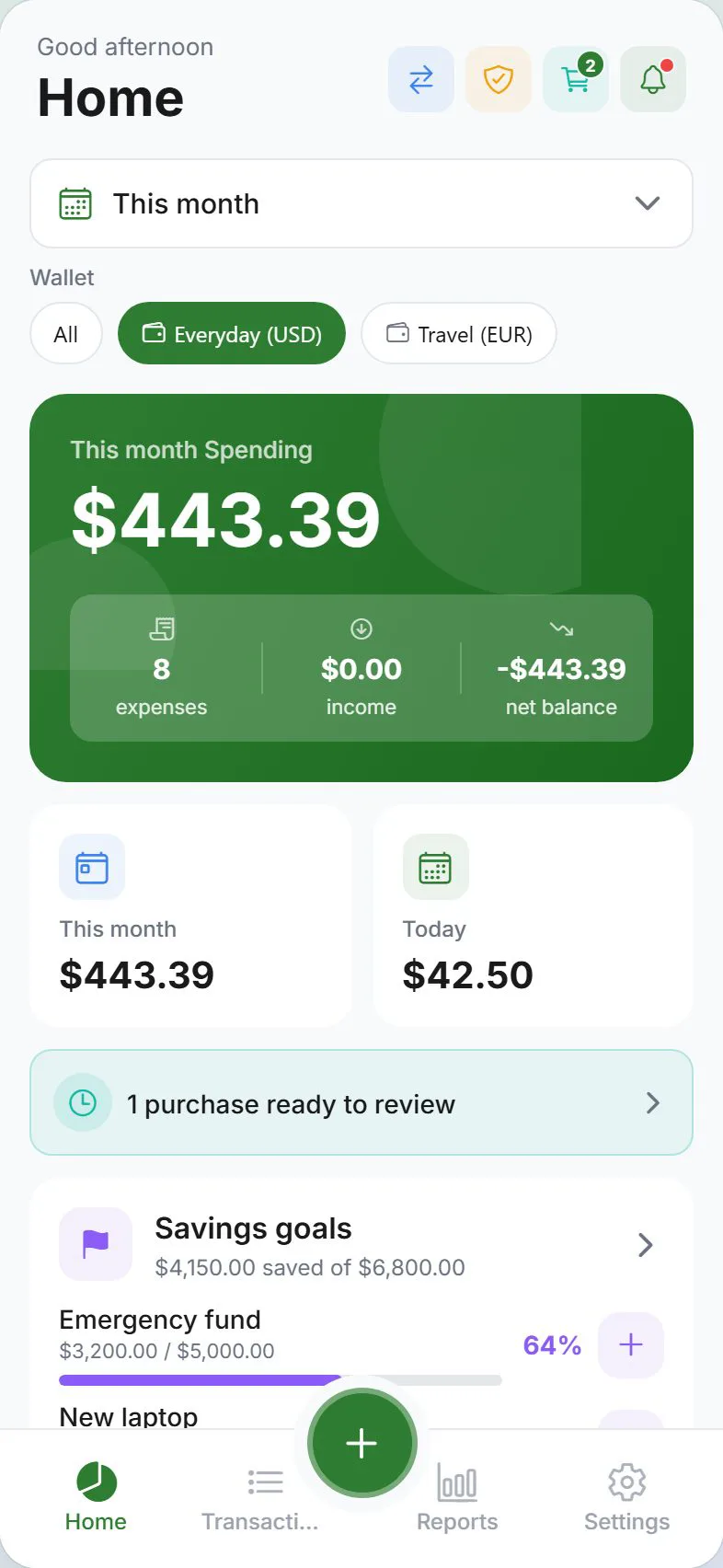
| Bottom tabs | Dashboard, Transactions, Reports, Settings |
| Center + | Add expense, income, or savings |
| Back gesture / button | Return from inner screens |
Permissions
Android may ask for:
| Permission | Why |
|---|---|
| Notifications | Budget, bills, goals, household alerts |
| Biometric | Fingerprint / face for app lock |
| Storage / files | Saving export backups you choose |
| Local network | LAN sync |
Review under Android Settings → Apps → Expense Trail → Permissions.
Fingerprint and app lock
Settings → Account → Security — enable PIN and biometric unlock.
Notifications and battery
Android may delay notifications to save battery.
- Settings → Alerts — turn on alert types you need
- If reminders are late, open the battery optimization shortcut from Alerts (when shown)
- Set Expense Trail to Unrestricted or Not optimized (wording varies by phone brand)
Optional: Persistent notification in Alerts shows sync progress in the notification shade (Android only).
Background sync
Open the app occasionally if you expect instant cloud sync. Some manufacturers (Samsung, Xiaomi, etc.) aggressively kill background apps.
Settings → Alerts may offer:
- Sync offline changes in background
- Silent background tasks (hide success toasts)
Clipboard suggest
Settings → General → Preferences → Clipboard suggest — pre-fill from copied bank messages. Android only.
Widgets and shortcuts
Add Goals or IOU widgets to your home or lock screen, or long-press the app icon for quick actions. See Widgets & shortcuts.
Updates
Install from Google Play. Critical updates may show a blocking update screen until you upgrade.
Tips for tablets
- Settings tabs may wrap on wide screens — all six tabs visible at once
- Same Google account sign-in as phone for sync
Troubleshooting
| Issue | Try |
|---|---|
| Delayed notifications | Disable battery optimization for Expense Trail |
| Sync not uploading | Open app on Wi‑Fi, Sync now |
| Clear cache | Export backup first — only if support advises |
| More help | Common issues |
Related guides
Was this guide helpful?