
Guide section
Troubleshooting
E2EE & sync issues
Fix locked amounts, lost recovery phrase, missing escrow, household decrypt, and sync after encryption.
Problems with end-to-end encryption usually come down to unlock state, the recovery phrase, or cloud sync. Use this page after common issues if amounts stay locked or sync looks fine but data does not decrypt.
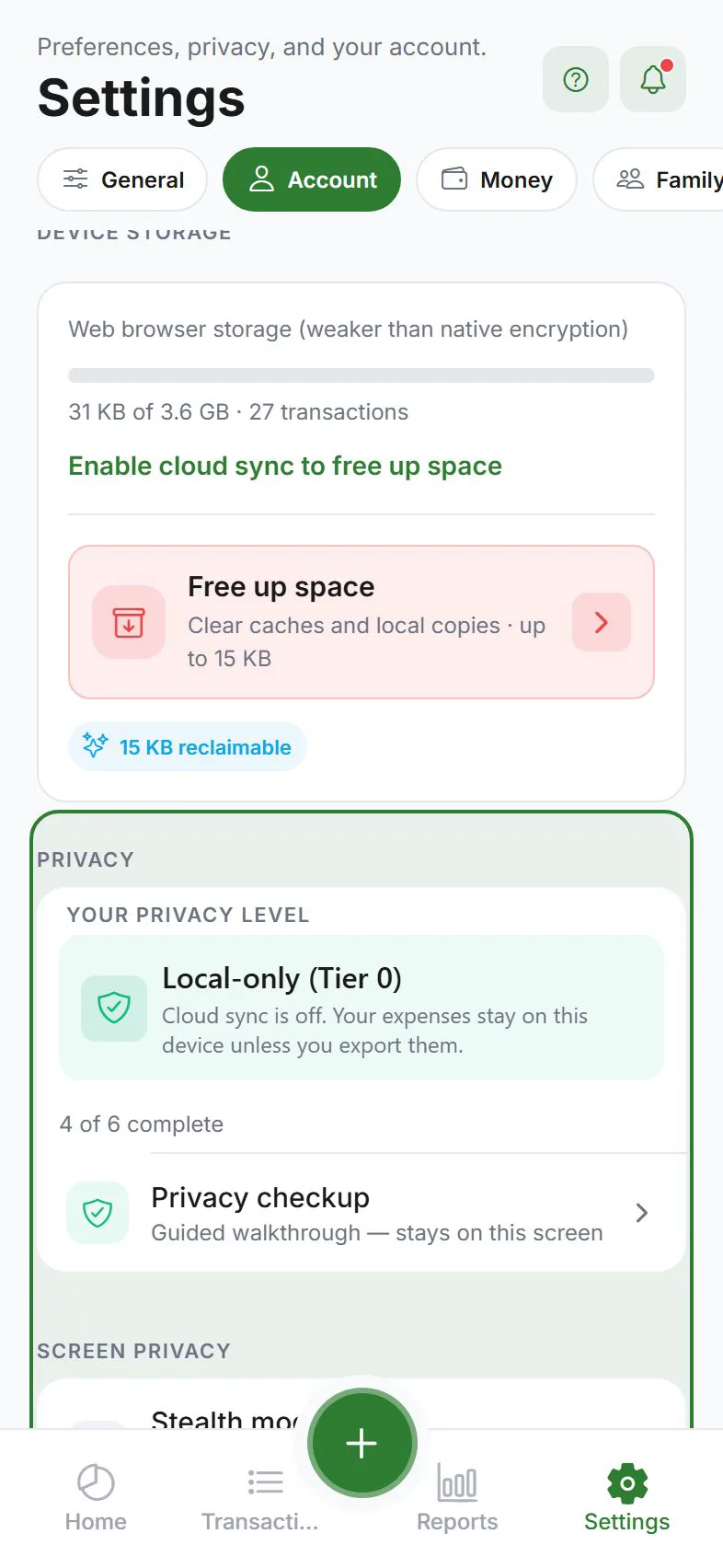
Amounts show “locked” or encrypted placeholders
| Symptom | Likely cause | Fix |
|---|---|---|
| Banner says Unlock encrypted data | Device missing master key; escrow on account | Enter 12-word recovery phrase from banner or Settings → Account → Privacy |
| Banner mentions no escrow / setup phrase | Phrase never saved to server after E2EE enabled | Settings → Account → Privacy → Recovery phrase → save phrase (uploads escrow) |
| Unlocked but list still empty | Sync not finished | Sync now, Wi‑Fi, wait 2–5 minutes, pull to refresh Transactions |
| Only some rows locked | Mixed legacy plaintext + E2EE rows | Normal after migration; old rows may stay readable |
Full flow: E2EE unlock & key escrow.
“Invalid phrase” when unlocking
- Confirm all 12 words, correct order, no extra spaces.
- Confirm you are signed into the same account that created the escrow.
- If you rotated phrase on another device recently, use the latest phrase you saved.
- Still failing? Phrase may not match escrow—see lost phrase below.
Never email support your recovery phrase.
Lost recovery phrase
If you lose the phrase and every device that was unlocked, encrypted cloud data cannot be recovered. Expense Trail cannot reset E2EE keys.
| Situation | Options |
|---|---|
| Another phone still unlocked | Export backup immediately; re-save recovery phrase on that device |
| Only encrypted cloud copy | Without phrase or unlocked device, ciphertext is permanent |
| Local guest data never synced | Data may still exist on that device only—export before reset |
No escrow after enabling E2EE
- Open Settings → Account → Privacy.
- Open Recovery phrase and complete save (12 words written down + confirmed).
- Banner should clear; Sync now on Wi‑Fi.
Escrow upload requires sign-in; key-escrow API works even before full sync finishes.
New phone: sync works but amounts are dots
- Sign in + Cloud sync on.
- Enter recovery phrase when banner appears.
- If status stays Locked, tap Unlock again under Privacy.
- Force-close app after successful unlock and reopen.
Household: partner sees scrambled shared amounts
- Both members: complete privacy setup.
- Both: E2EE unlocked on their devices (not Locked).
- Confirm expense visibility is Shared in the household.
- Re-save or re-enter a shared expense if keys were created before invite accepted.
See Households and Encryption — household.
Turned off cloud sync; data disappeared
E2EE ciphertext on server remains; local decrypt may still work if master key is on device. Turning sync back on and unlocking restores cloud download. Export locally before experiments.
Disabled E2EE or switched accounts
- Disable E2EE may require re-uploading plaintext—follow in-app warnings; export first.
- Different account on same install clears keys—set up E2EE again for the new account.
IOU / split sync missing with E2EE on
Server-side IOU sync for splits is unavailable under E2EE. Track splits locally or use standard sync tier if you need cloud IOU records. Split expenses.
Push or report summaries wrong under E2EE
Some server-computed summaries cannot read ciphertext. Budget/goal local notifications still evaluate on device when unlocked. See All notifications.
Still stuck?
Email [email protected] with platform, app version, and whether E2EE + sync are on. Do not send your recovery phrase.
Related guides
Was this guide helpful?